Quick answer: White balance explained: colour temperature in Kelvin, presets, custom white balance with a grey card, mixed lighting and when to use white balance creatively.
Have you taken an indoor photo that looked strangely orange, or a shade photo that looked blue? That's white balance. Understanding it helps you capture accurate, or deliberately creative, colours.
What is white balance?
Different light sources have different colours. Our eyes adjust automatically; cameras need to be told. White balance tells the camera what "white" looks like in the current light, so other colours fall into place.
Colour temperature in Kelvin
| Light source | Approx. Kelvin | Colour cast |
| Candlelight | 1,900K | Very warm/orange |
| Tungsten bulbs | 2,700–3,200K | Warm |
| Sunrise/sunset | 3,000–4,000K | Warm |
| Daylight / flash | 5,000–5,600K | Neutral |
| Overcast | 6,000–7,000K | Cool |
| Open shade | 7,000–8,000K+ | Blue |
White balance settings
- Auto (AWB): works well in most situations
- Presets: daylight, shade, cloudy, tungsten, fluorescent, flash
- Kelvin: set the exact temperature
- Custom: photograph a grey card or white object to calibrate
Using a grey card
- Place a grey card in the subject's light.
- Photograph it (or set a custom white balance from it).
- In editing, click the card with the eyedropper to correct the whole set.
This is how professionals get consistent colour in product, fashion and wedding work.
Mixed lighting
Window light plus tungsten bulbs creates competing colours. Options:
- Turn off one source
- Use the dominant source and accept warmth elsewhere
- Gel your flash to match the ambient light
Raw makes white balance flexible
In raw, white balance is just a setting you can change later without quality loss. In JPEG, it's baked in.
Creative white balance
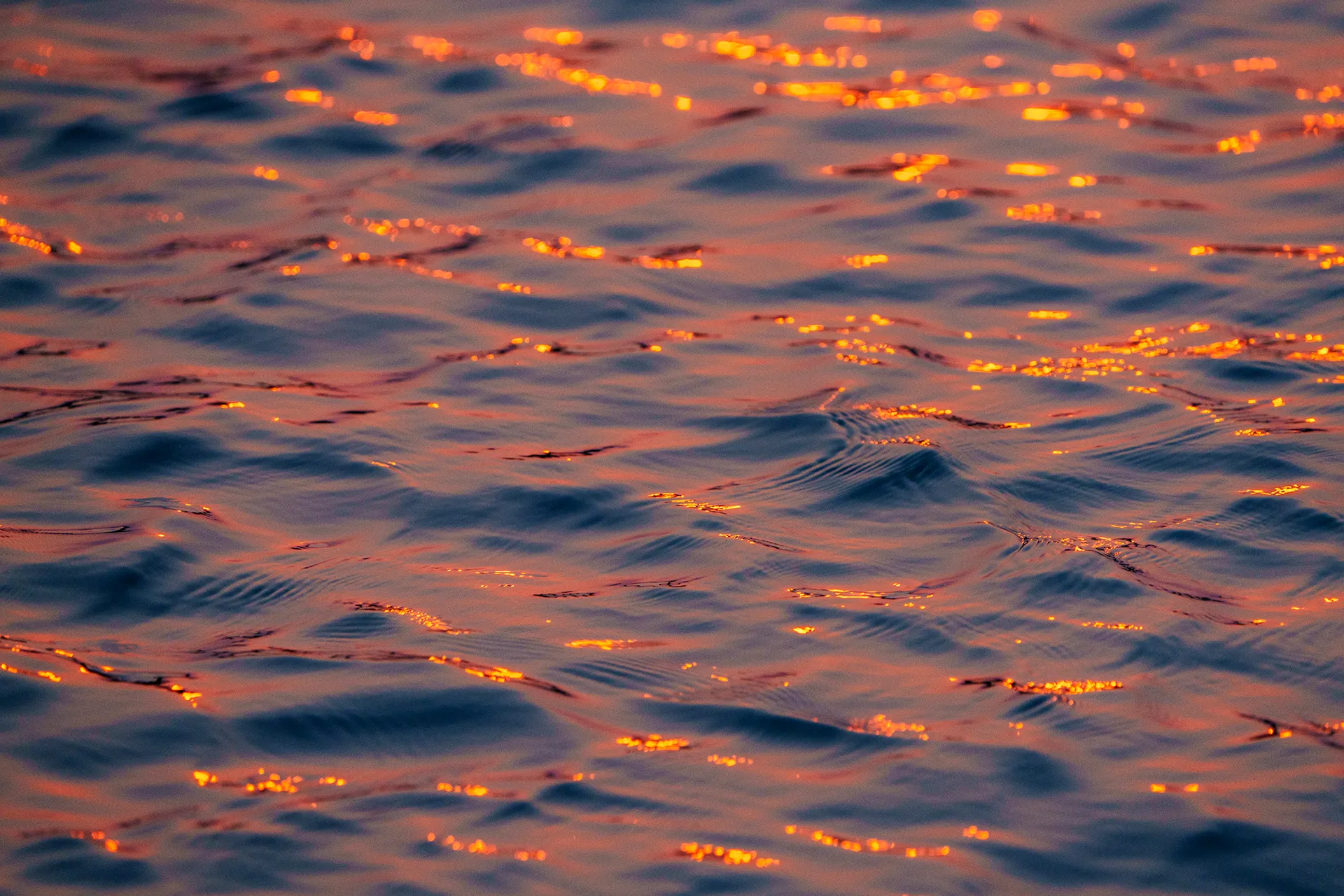
Accuracy isn't always the goal. Warmer settings make sunsets glow; cooler settings make night scenes moody.
Skin tones
Accurate, natural skin tones matter most in portraits and weddings. Many professionals check skin first when correcting colour.
Practise
Photograph a white sheet of paper under different lights with AWB, then with presets. Compare the results.
Learn colour properly
White balance, colour theory and colour correction are taught in RAP Education's foundation and professional programs, both in camera and in editing.
Frequently asked questions
What is white balance in photography?
A setting that tells the camera what white looks like in the current light so colours appear accurate.
What is colour temperature?
A measure of a light's colour in Kelvin. Lower values are warmer (orange); higher values are cooler (blue).
Is auto white balance good enough?
It works well in most situations. Use presets, Kelvin or a custom setting for tricky or mixed light.
How do I use a grey card for white balance?
Photograph the card in the subject's light and set a custom white balance from it, or correct with an eyedropper in editing.
Why do my indoor photos look orange?
Tungsten bulbs are warm. Use the tungsten preset, a lower Kelvin setting or correct it in raw editing.
Can I change white balance after shooting?
Yes, without quality loss if you shoot raw.
How do I handle mixed lighting?
Turn off one source, choose the dominant one or gel your flash to match the ambient light.
Does RAP Education teach colour correction?
Yes, both in-camera white balance and colour correction in editing.
- #colour temperature
- #kelvin
- #auto white balance
- #grey card
Photography courses near you: